
Quickly find the right replacement filter – with your serial number
Enter your system's serial number. We'll match the compatible filters and send you a no-obligation quote at short notice.
- Reliable matching by serial number
- Original quality & compatible alternatives
- Fast quotation – transparent & no obligation
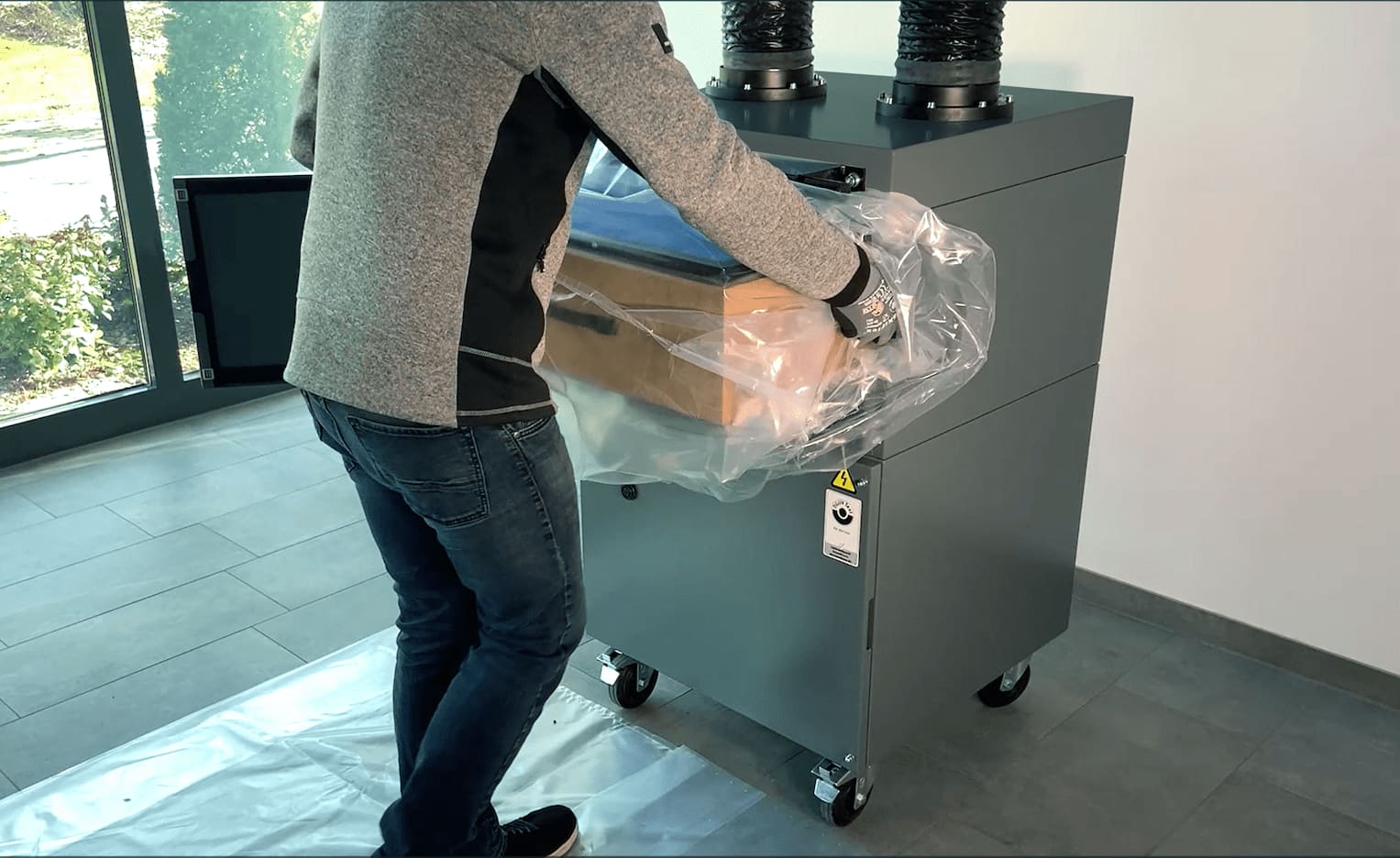
Just a few steps to the right replacement filter
1) Enter serial number
- Enter your system's serial number – it's on the type plate or the QR code on the system
- The serial number is identical to the machine number
- The unique number lets TEKA match your system precisely
2) Receive your quote
- No-obligation quote – usually within one working day
- Clear details on price, delivery time and filter type
- Personal advice from our service team on request
3) Place order & receive delivery
- Once you approve, your order is processed straight away
- You receive a written order confirmation by e-mail
- Dispatch usually takes place within one working day
Where do I find the serial number?
The serial number is on the type plate on the back of your system. There's also a QR-code sticker on the front, giving you direct access to the relevant service information.


Please enter your system's serial number – not the product name or article number. Don't have the number to hand? Go to the contact form.
Did you know? — QR-code service for your systems
Newly delivered TEKA systems carry a QR code. Use it to access system-specific services directly – such as matching replacement filters, maintenance contracts or a warranty extension.
- System recognised automatically
- Matching services for this model
- Request without searching for documents