
Replacement filter request
Find the right replacement filter quickly – with your serial number
Enter the serial number of your unit. We will match the compatible filters and send you a non-binding quote.
- Reliable matching by serial number
- Original quality & compatible alternatives
- Fast quote preparation – transparent & non-binding
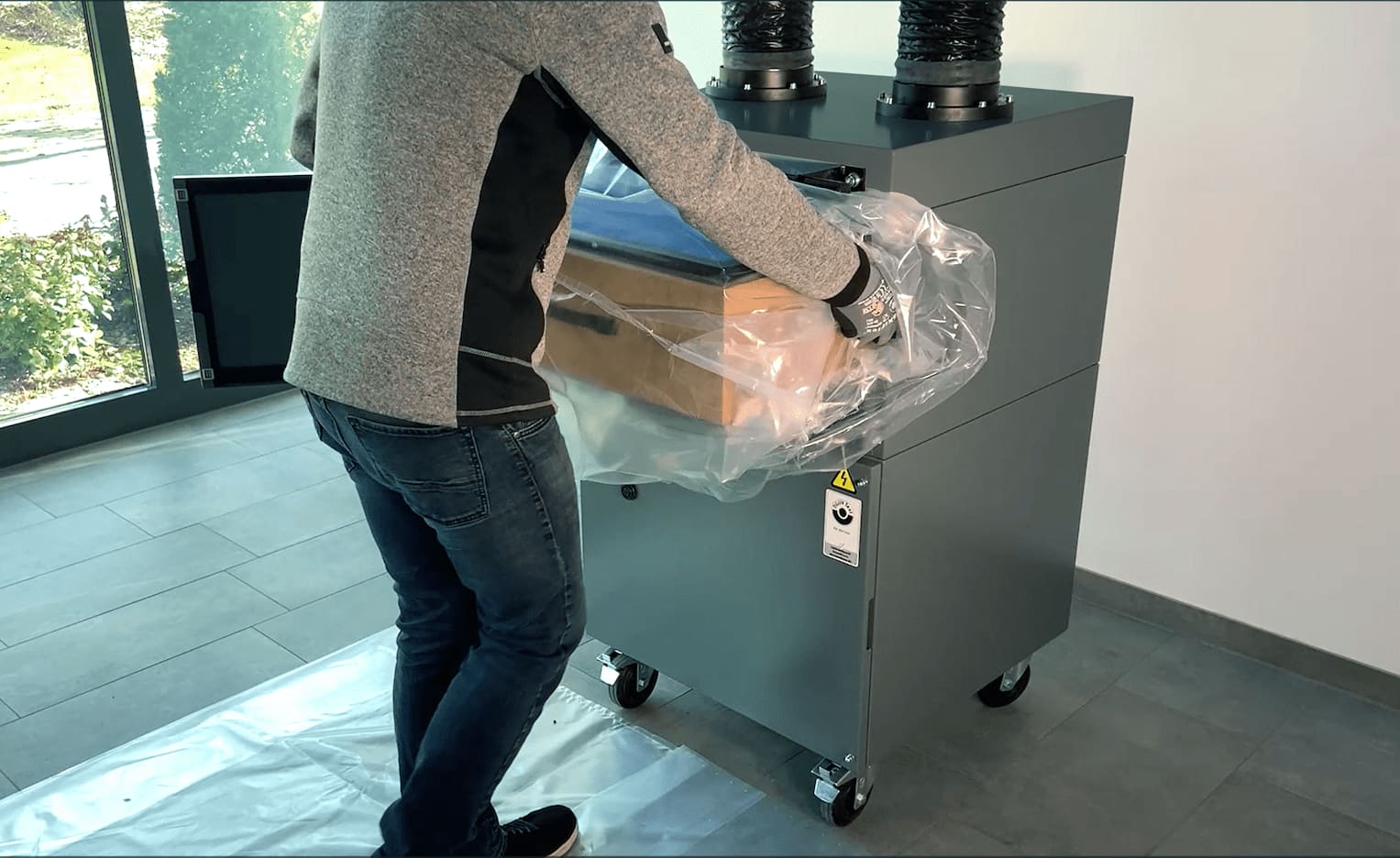
A few steps to the right replacement filter
1) Enter the serial number
- Enter your unit's serial number – it is on the type plate or on the QR code of the unit
- The serial number is identical to the machine number
- Using this unique number, TEKA matches your unit precisely
2) Receive your quote
- Non-binding quote by email
- Clear details on price, delivery time and filter type
- Personal advice from our service team on request
3) Place your order & receive delivery
- Once you approve, the order is processed immediately
- You receive a written order confirmation by email
- The delivery time stated in the quote is binding
Where do I find the serial number?
The serial number is on the type plate on the back of your unit. In addition, on the front you will find a QR code sticker, through which you can access the relevant service information directly.


Request a replacement filter
Every request is checked personally. If the serial number is not unique, we will contact you briefly by email.
Did you know? — QR code service for your units
Recently delivered TEKA units carry a QR code. Through it you can access unit-related services directly – for example matching replacement filters, maintenance contracts or a warranty extension.
- The unit is recognised automatically
- Suitable services for this model
- Request without searching for documents
×![]()